

What Will You Build?
Share your concepts and join a global community to bring AI into the physical world.
Inspiration
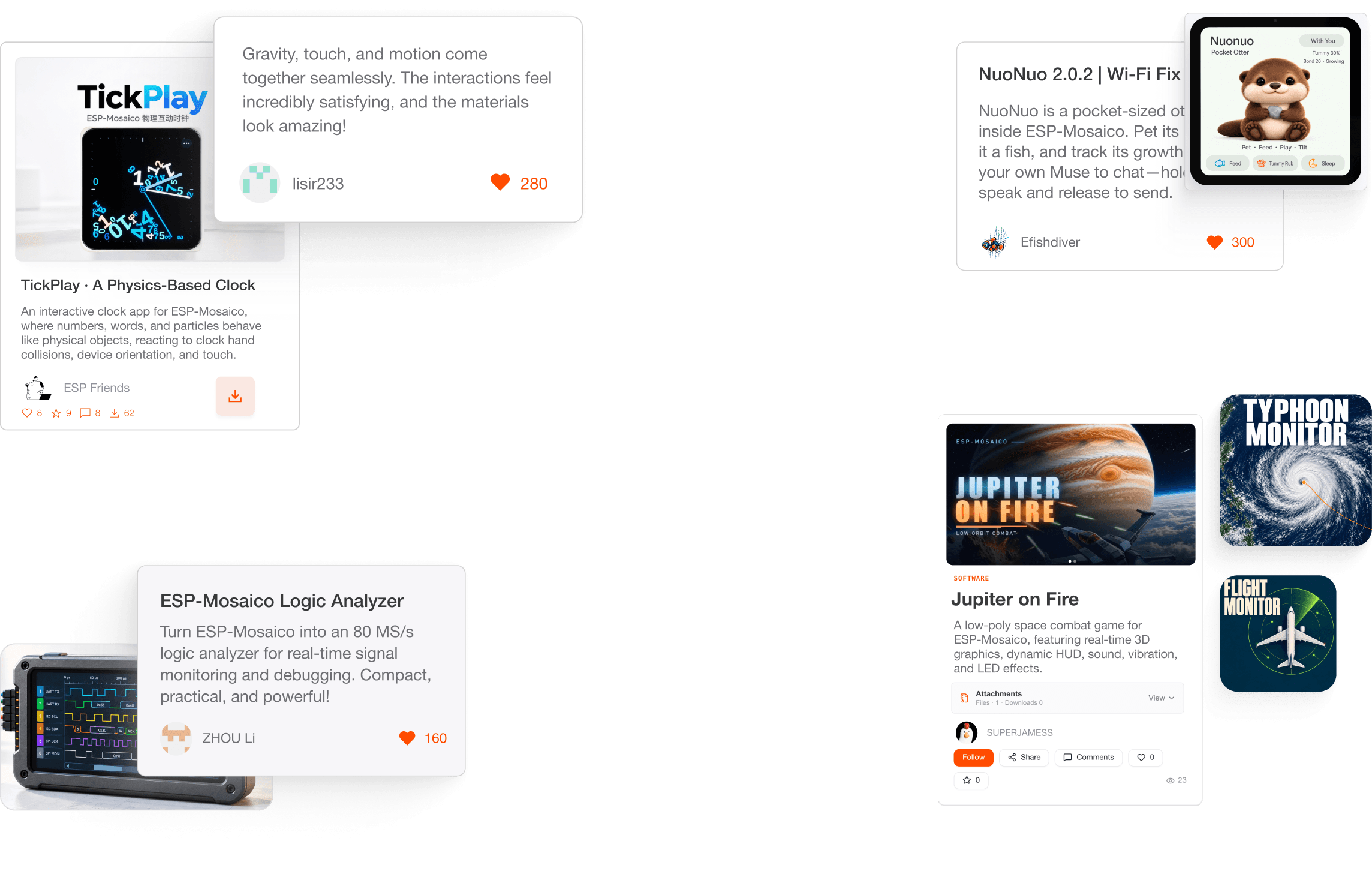
What You Can Build with ESP-Mosaico
 Featured
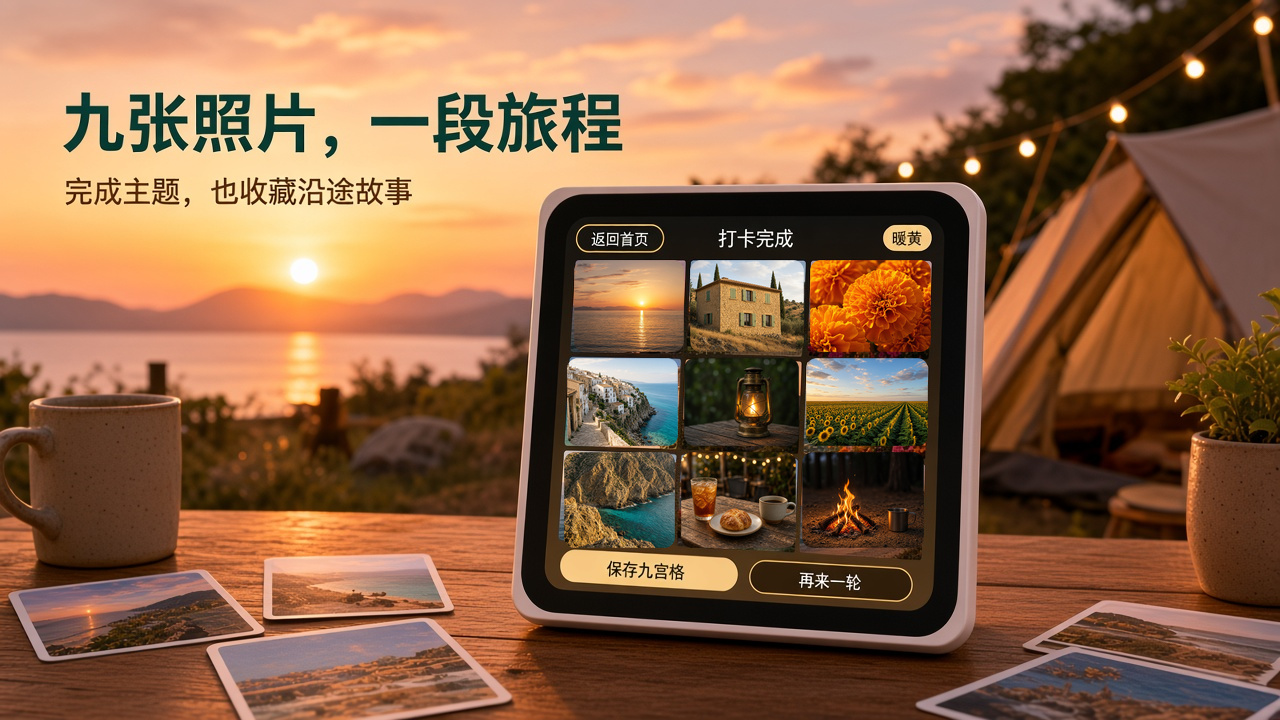
Travel check-in|What to shoot today? Turn it, and inspiration will come!
“Travel Check‑in” is a themed photography app built for ESP‑Mosaico. First, derive an inspirational theme from a color or shape, then complete nine shots, gathering the details that are easy to overlook during the journey into a 3×3 grid. It turns “what to shoot today” into a lightweight, fun travel challenge that can be started at any time.

 Featured
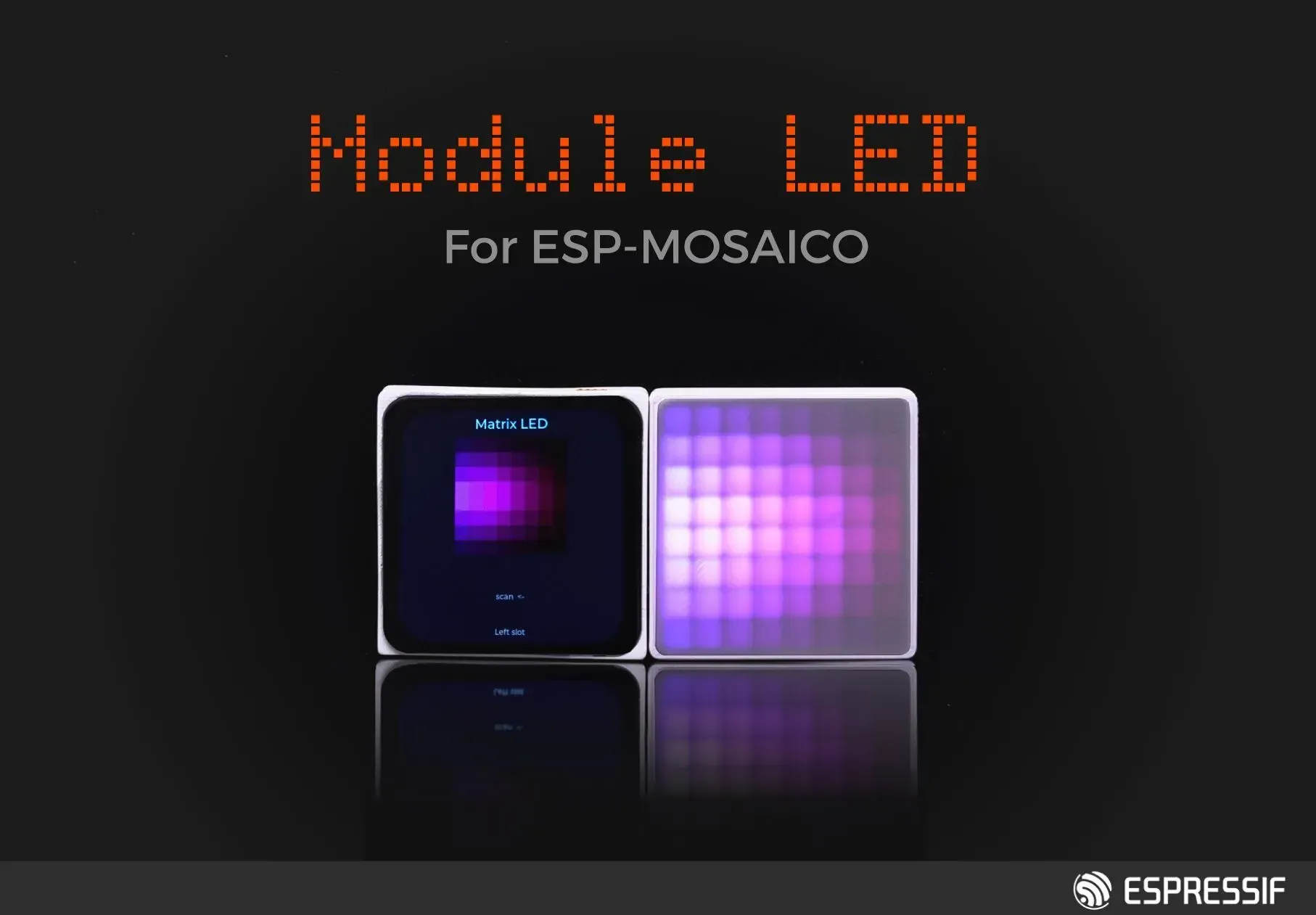
8×8 RGB matrix light module
An 8×8 full‑color RGB matrix light module specially designed for ESP-Mosaico, which can be side‑plugged into the left or right side of the main board, supports a rich variety of dynamic lighting effects, pixel patterns, and animation displays, adding more vivid visual presentation to ESP-Mosaico.
 Featured
ESP-Mosaico factory firmware (ESP-Claw)
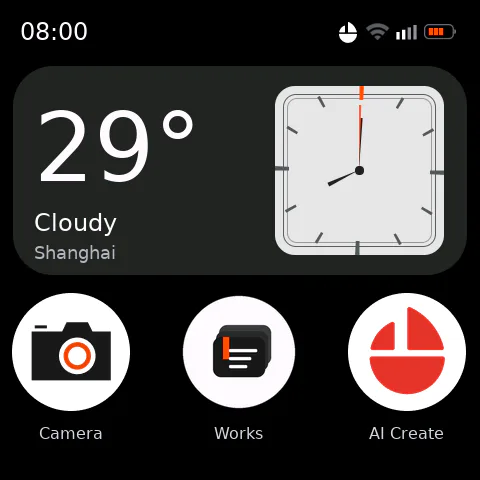
This is the factory application firmware for ESP-Mosaico, built on ESP-Claw, integrating the AI Agent, touch screen applications, and onboard peripherals into a single interface. It is suitable for the ESP32‑S31 version of ESP-Mosaico.
Art Masterpiece Lamp
Let famous paintings breathe on the table. Turn a splash of blue from *Starry Night* and a slice of gold from *The Kiss* into a lamp that belongs to you. **一隅光影 · atelier** is an offline‑running 8×8 art lamp: the left side of the screen shows the original artwork, the right side shows a mosaic of light and shadow, and an RGB LED matrix turns the painting into a small patch of color on your desk. The cover is an artistic illustration of light and shadow; subsequent images show the actual device screen and a studio preview. ## What you need ESP-Mosaico main board + **8×8 RGB LED matrix submodule**. The matrix can be plugged into the left or right slot; the application will detect the slot and compensate for orientation. If no matrix is present, you can still view the screen preview and drawing functions, and the interface will display “LED matrix not connected”. ## Let the masterpieces slowly light up Built‑in 8 public‑domain artworks: *Starry Night*, *Mona Lisa*, *Girl with a Pearl Earring*, *The Scream*, *The Great Wave off Kanagawa*, *The Kiss*, *Impression, Sunrise*, *Sunflowers*. - The original composition is converted into 64 color blocks, preserving the main colors and outlines. - Supports steady on, breathing, ripple, and automatic artwork slideshow. - Default **65 % brightness, 4‑second breathing**; brightness levels 15 / 25 / 35 / 50 / 65 / 80 / 100 %; rhythm 2 / 4 / 6 / 10 seconds. - Black background, cream‑colored backing paper, cut‑out buttons, and serif lettering turn the small screen into a night‑time studio. ## Create your own light painting

AURA Spectrum Soundfield
Turn ESP-Mosaico into a Bluetooth speaker that understands music: a round screen and an 8×8 LED matrix synchronously parse beats, melody, and high frequencies, giving each segment of music its own light. ## Highlights - Connect via classic Bluetooth from a phone; music plays directly from the onboard speaker - Six‑band real‑time analysis, not just the beat: low frequencies, melody, and high frequencies jointly drive the display and LED matrix - Beat triggers a double ripple that expands outward; continuous beats are responded to quickly - Automatic color changes according to the section’s mood: bluish‑cyan for calm, purple for groovy, red‑orange and magenta for intense parts - LED on/off, position, brightness, and color follow the music; quiet sections deliberately stay black - Round screen shows song title, artist, and album cover - Supports microphone mode, allowing ambient sound to become real‑time lighting ## Usage 1. Insert the 8×8 Matrix LED sub‑board into the left expansion slot of ESP-Mosaico. 2. After powering on, connect to the device in the phone’s Bluetooth settings and play music directly. 3. Press the AI button to switch between Bluetooth speaker mode and microphone mode. ## Audio Optimization Prioritize direct‑through Codec for 44.1/48 kHz audio, and add digital headroom, pause‑mute, and a larger PCM buffer to reduce distortion, background noise, and playback stutter. Target device: ESP-Mosaico (ESP32‑S31) Expansion hardware: 8×8 M
Weather Through the Window
    
Living Worlds
Travel around four breathing worlds on your wrist: Aurora Icefield, Deep Sea Coral, Cloud Sea Sunrise, and Tropical Rainforest. ## Experience Overview Living Worlds is an immersive 360° panoramic application designed for the ESP-Mosaico round screen. Drag the screen to change the view and freely switch among four distinct scenes. Dynamic aurora, jellyfish, birds, waterfalls, and particle effects evolve over time, and each world features its own ambient sound. ## Key Features - Four interactive scenes: Aurora, Ocean, Sunrise, Jungle - Horizontal drag for panning, vertical drag for looking up or down - Three FX dynamic effect levels: Calm, Living, Vivid - Independent ambient sound for each scene - Automatically resume tour after about three seconds of inactivity - Rendered for 480×480 RGB565 round screen ## Controls - Drag the screen: change viewing direction - Tap the bottom scene button: switch worlds - Tap the top FX: change dynamic effect intensity ## Scene Preview | Aurora | Ocean | | --- | --- | |  |  | | Sunrise | J | | --- | --- | |  |  |

Jupiter on Fire
# Jupiter on Fire · Jupiter on Fire By the 22nd century, humanity has migrated out of the solar system on a large scale. You, who remain on the frontier of the homeland, are a pilot in the Frontier Guard. Space pirates stationed in low orbit around Jupiter cut off routes and attack supply stations; when reinforcements are still beyond a distant star gate, you can only pilot a fighter and single‑handedly confront an entire pirate fleet. Jupiter on Fire is a low‑poly space combat game running on ESP-Mosaico. Jupiter's cloud seas and storms fill the background, while fighters, asteroids, and lasers are rendered in real time by software on a 480×480 screen. A curved HUD displays kills, wave, score, speed, shield, hull, weapons, and lock status; firing, hits, and being hit are accompanied by sci‑fi sound effects, motor vibration, and feedback from the multifunction sub‑board LED strip. ## Controls Guide ### IMU + Touch 1. **Calibrate Attitude** After powering on or inserting/removing the multifunction sub‑board, first hold the device steady according to the current reading orientation. When the screen finishes rotating and displays `HOLD STILL`, remain still; the firmware will reinitialize the IMU based on the new screen orientation. After `TILT TO FLY` appears, you may begin tilting. 2. **Pitch and Roll** Tilt the whole device forward to push the nose down; tilt backward to raise the nose. Tilting left or right causes the fighter to roll, with a small amount of coordinated yaw. Use small, continuous motions to bring the target into the central reticle, and avoid jerky movements.

Bring AI Agents into
Real-World Coding
Two ways to code, one journey from concept to product.
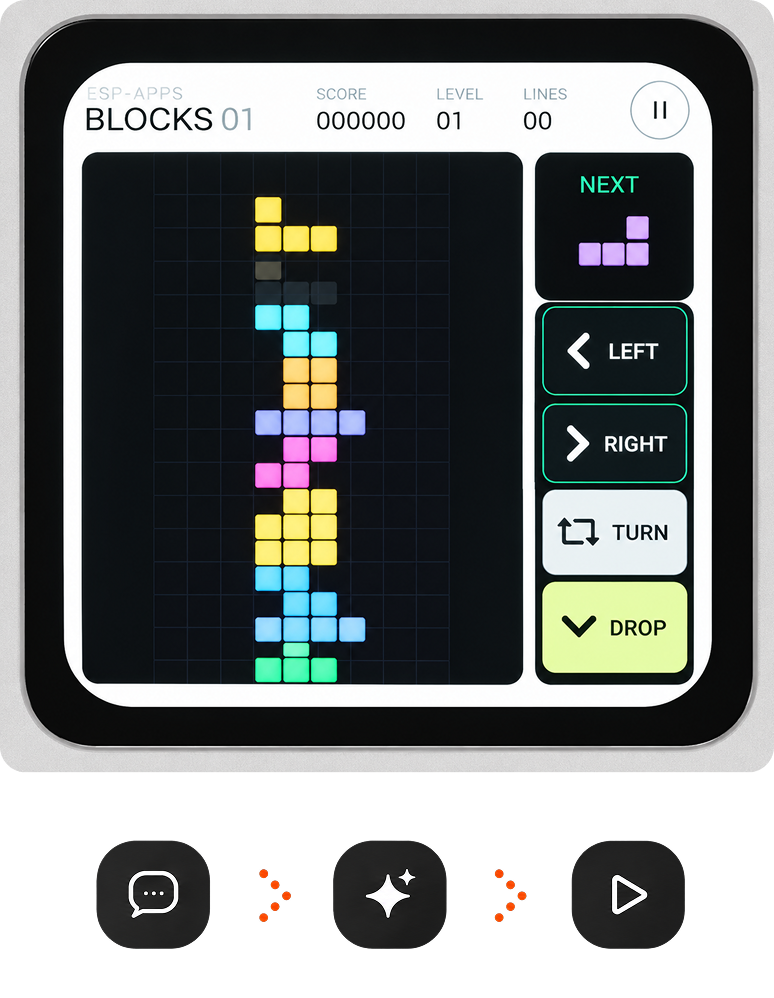
Chat Coding
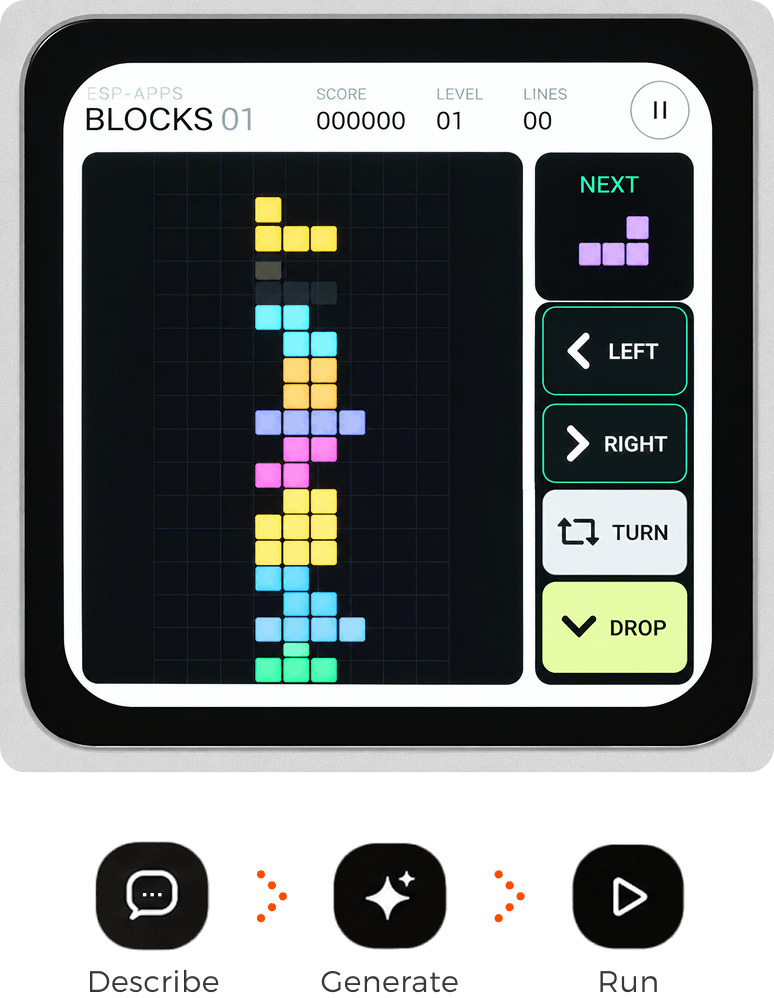
Describe what you want in natural language. On ESP-Mosaico, ESP-Claw* turns your idea into a working application. Keep chatting to refine and improve it.
*ESP-Claw: ESP-Mosaico's built-in AI agent framework

Vibe Coding
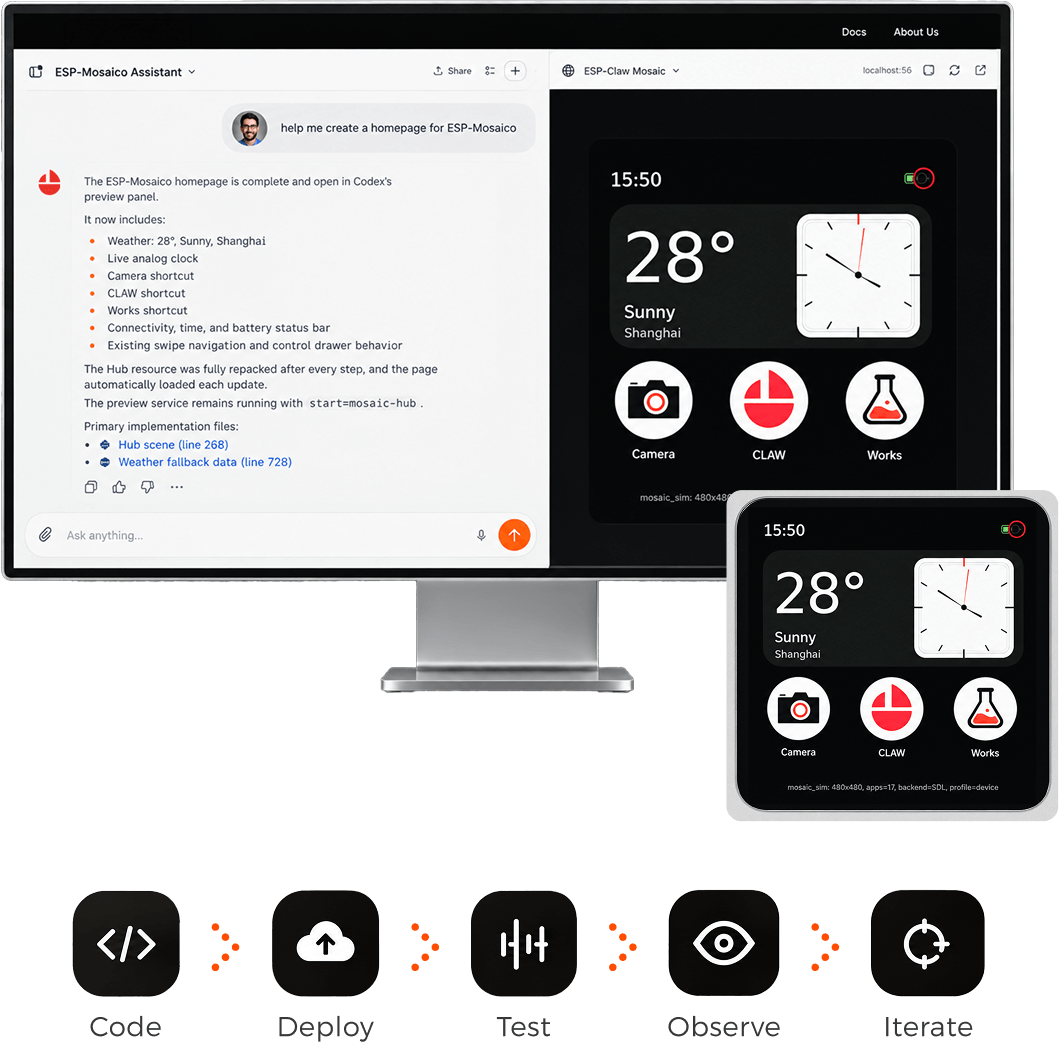
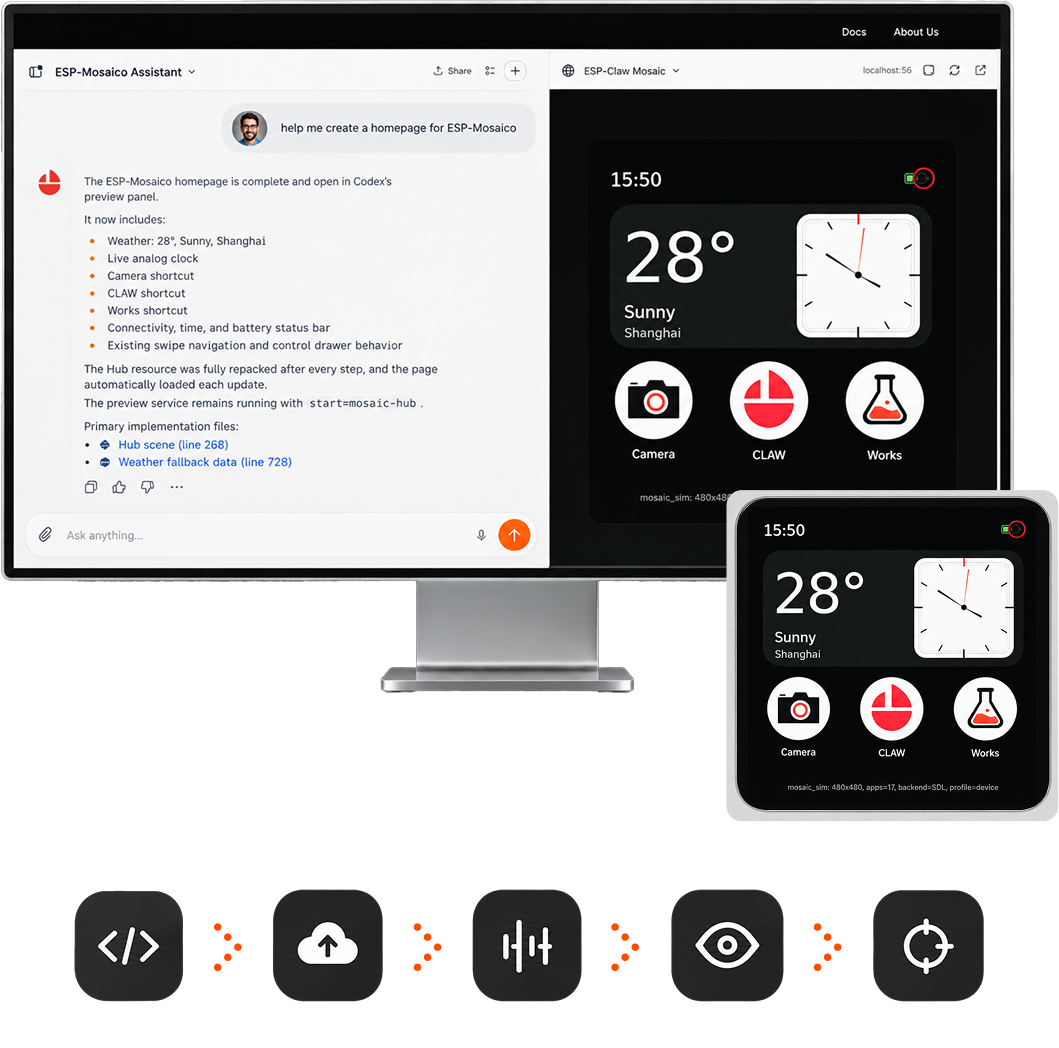
Integrate your desktop AI coding agent into a complete development loop—from coding and simulation to deployment, testing, and real-device feedback.
Built for Prototypes
Ready for Products
Display, voice input, high-speed USB, and expandable I/O—all in one compact device.
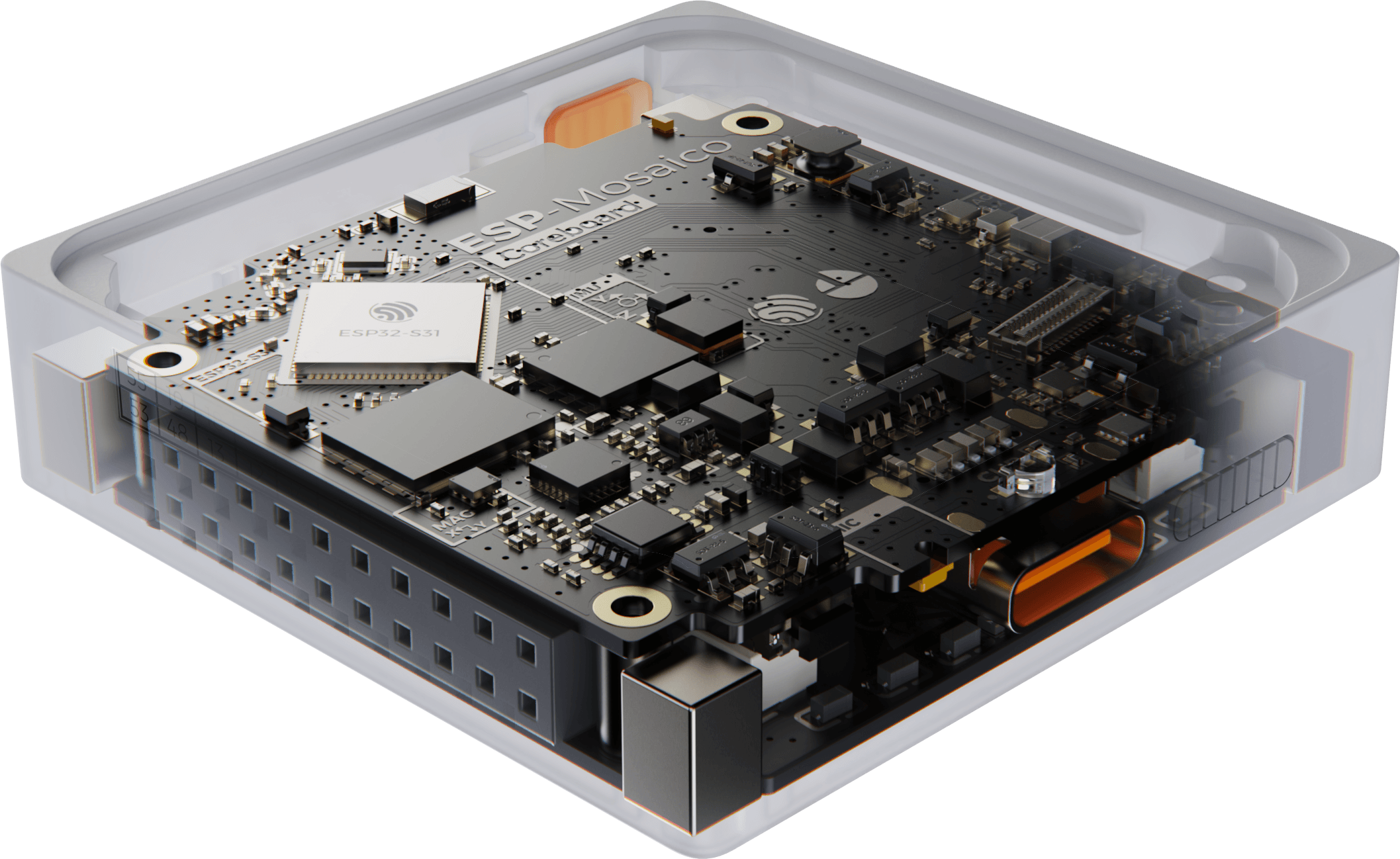
Powered by ESP32-S31
- Dual-core RISC-V · Up to 320 MHz
- Wi-Fi 6 | Bluetooth 5.4 (LE + BR/EDR)
- Thread 1.4 | Zigbee 3.0
- 512 KB SRAM
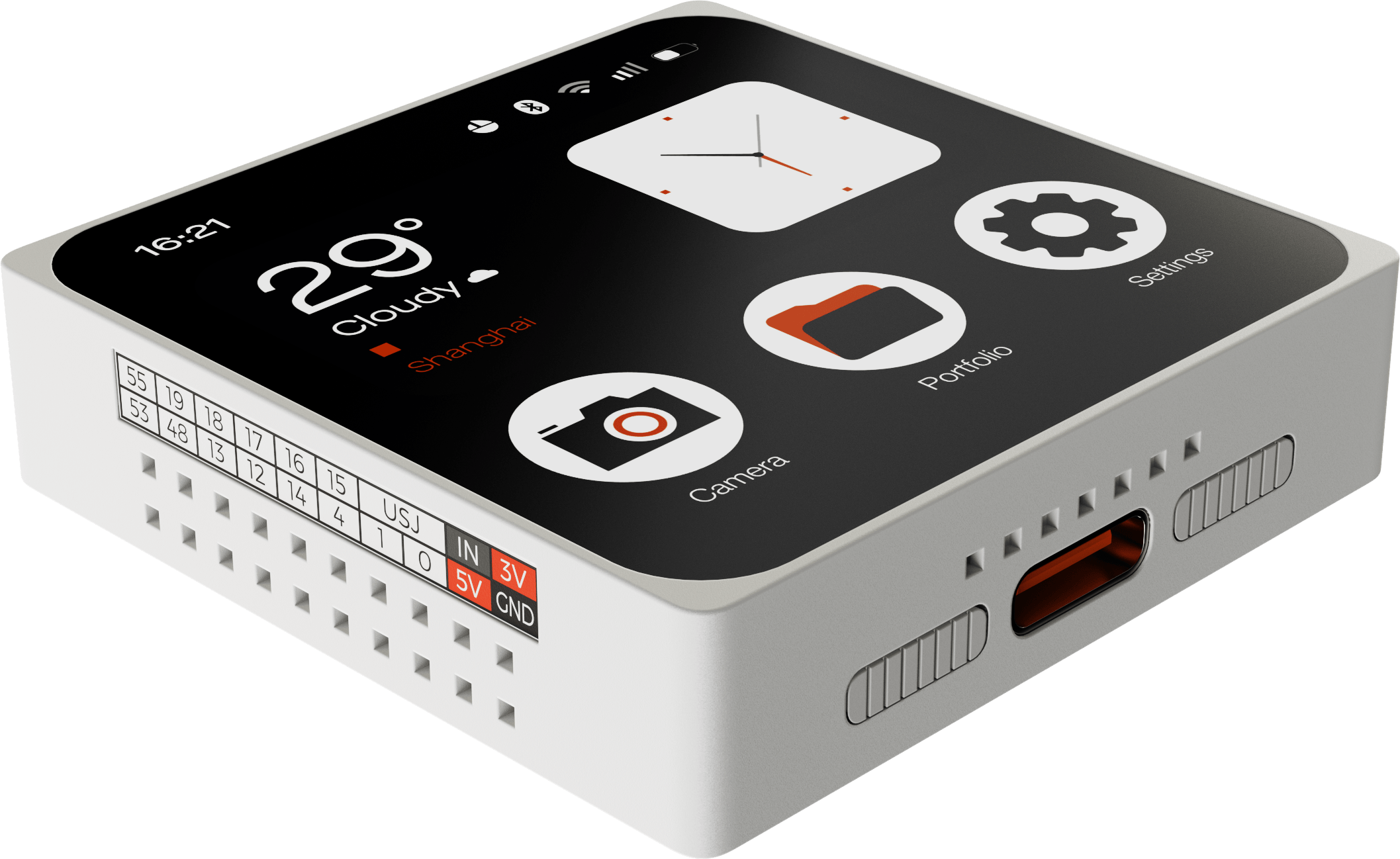
Display & Interfaces
- 480 × 480 OLED Touch Display
- Two 20-pin Expansion Interfaces
- USB 2.0 High-Speed via Type-C
An Open, Agent-Native
Software Stack
Combine an on-device agent runtime with an open desktop development workspace, bringing Chat Coding and Vibe Coding together on one hardware platform.
Add New Hardware
Unlock New Capabilities
Expand with plug-in camera, audio, sensor, and control modules, or combine multiple ESP-Mosaico devices in any arrangement.
Built to Grow with
Your Ideas
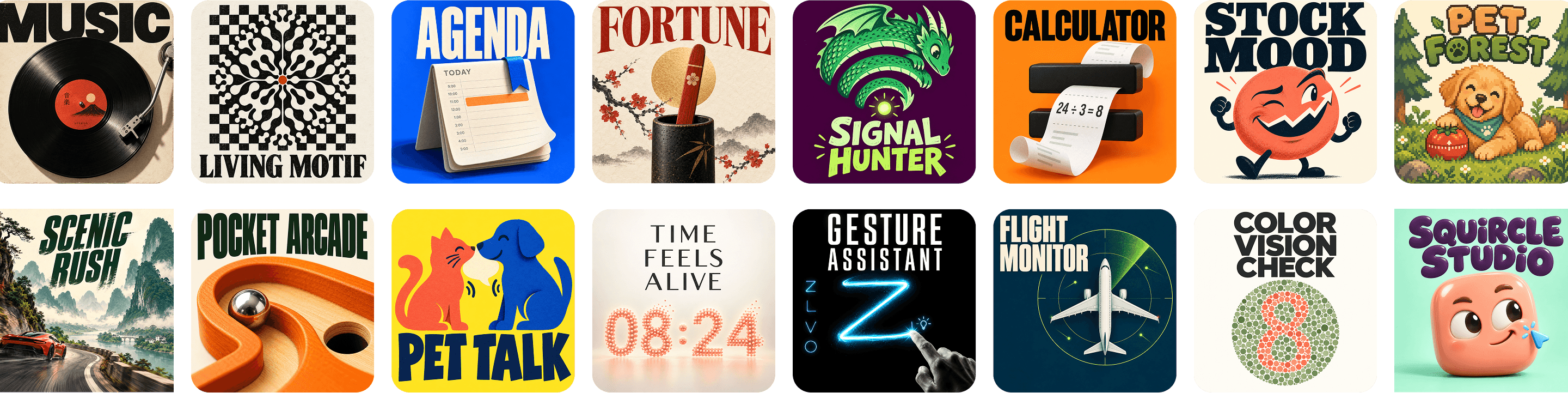
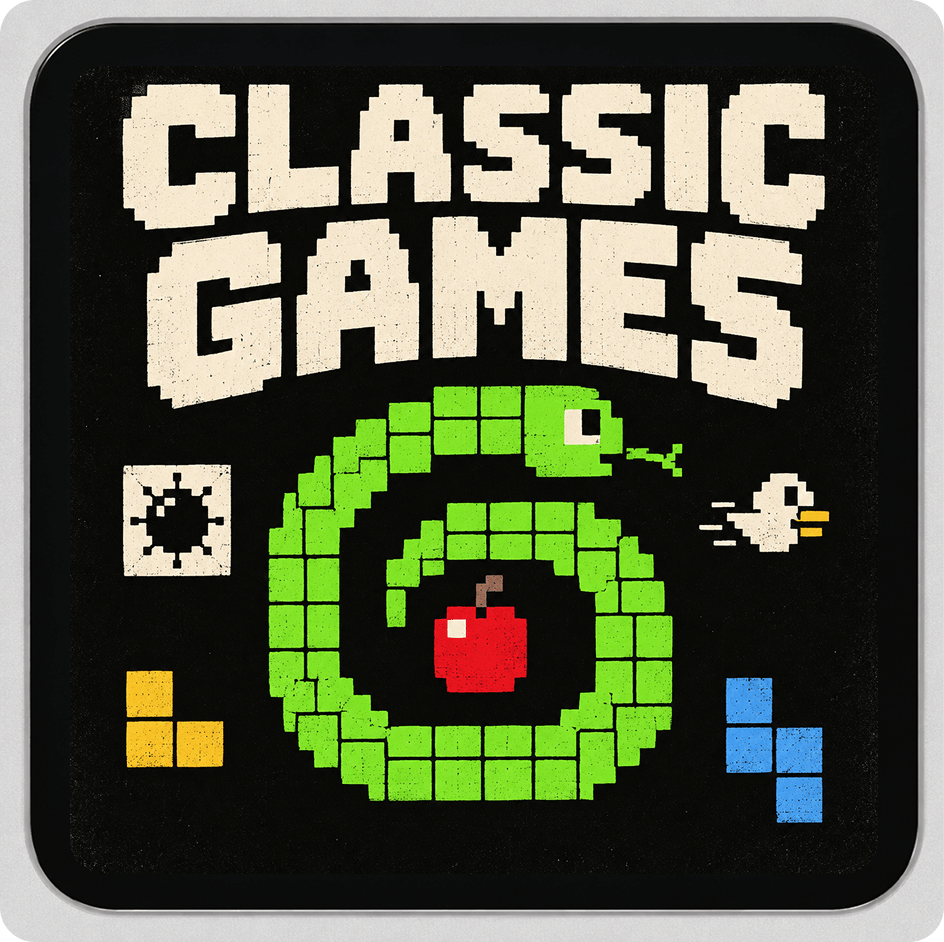
Discover apps from the community, install them directly on ESP-Mosaico, and share your own creations.
Make Ideas Run
From the first idea to working hardware in seconds. Build, customize, and grow as your ideas evolve.