1. Two Modes on ESP-Mosaico
Update to the latest firmware to use Vibe Mode and run your favorite IDEAs.
Vibe Mode
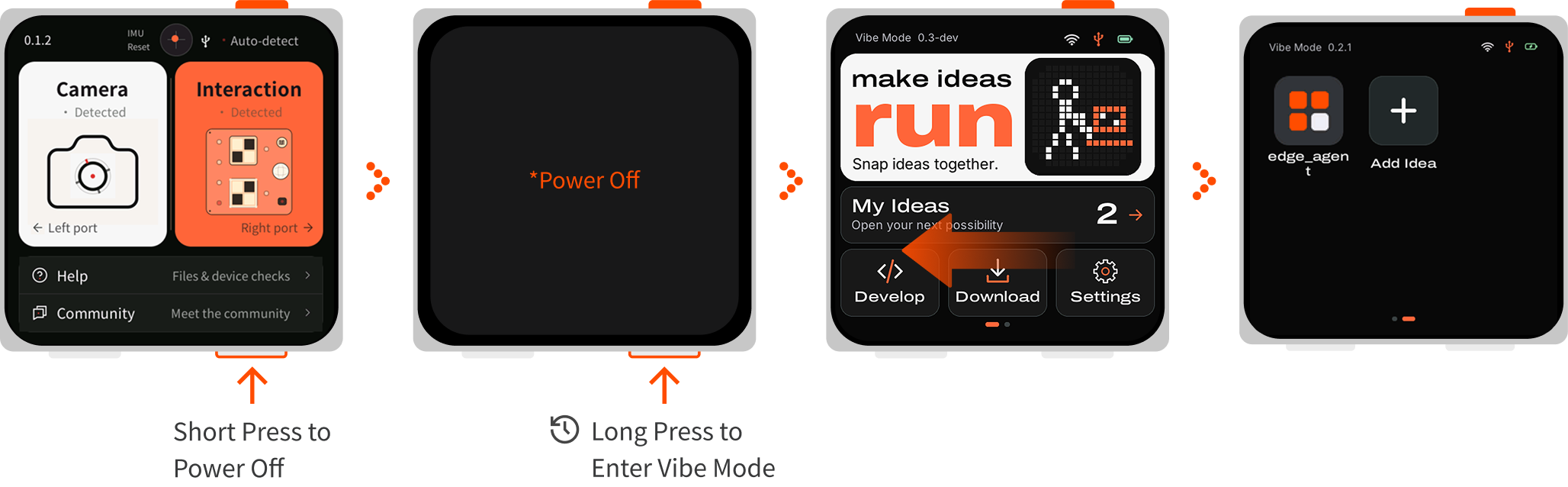
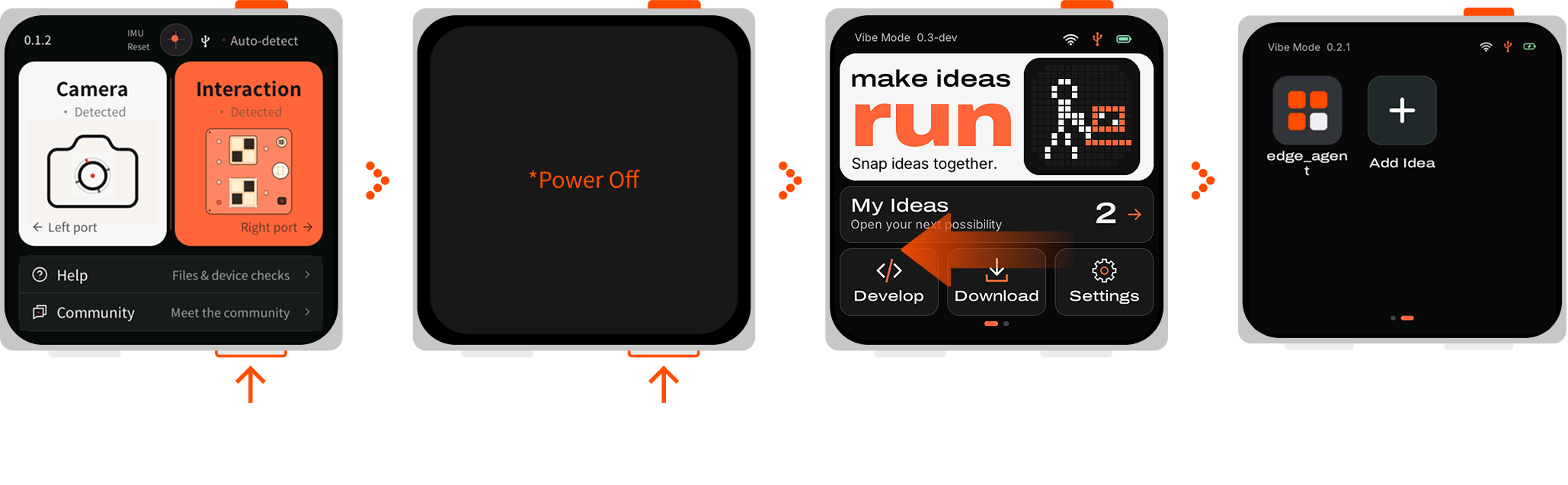
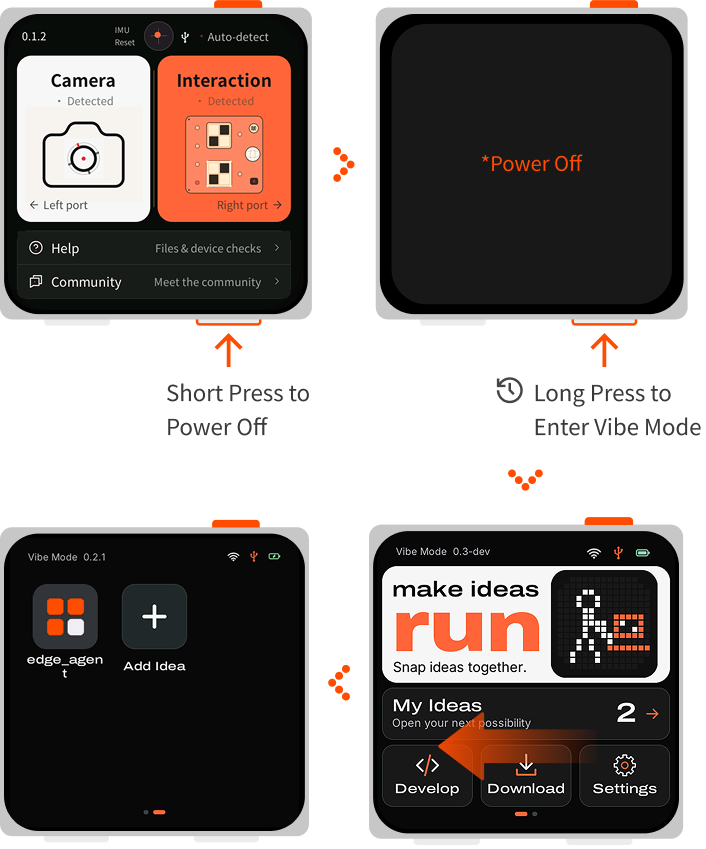
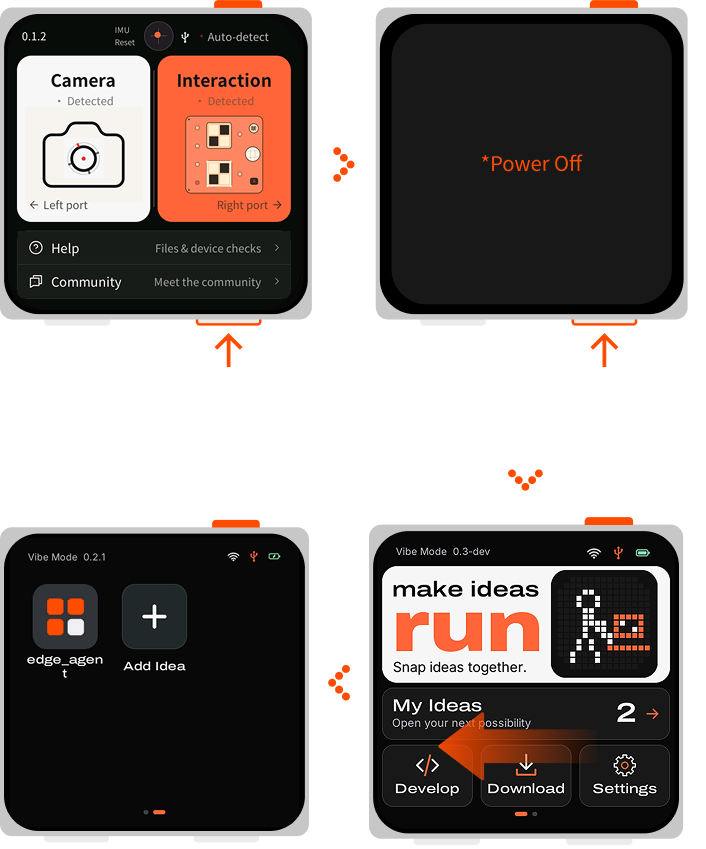
Press and hold the Power Button to enter Vibe Mode. From here, you can install and develop IDEAs.
Idea Run
Short press the Power Button to run an IDEA.
1. Why does a short press launch Vibe Mode instead?
If an IDEA download or installation is interrupted, the IDEA may fail to start.
Keep the device powered, then download and install the IDEA again. Once installed, briefly press the Power Button to run it.
2. Update the Firmware
If you cannot enter Vibe Mode, update ESP-Mosaico to the latest firmware first.
2. Enter Vibe Mode and Install an IDEA
- 1
Enter Vibe Mode and Connect to Wi-Fi
01. With the device off, press and hold the bottom-right Power Button to enter Vibe Mode.
02. Open Settings > Wi-Fi, select a network, and enter the password to connect.
- 2
Add an IDEA
Method 1: Tap “Download” on the home screen.
Method 2: Swipe left on the home screen, then tap “Add IDEA”.
- 3
Enter the 6-Digit Code and Install the IDEA
Enter the 6-digit code → confirm and download → tap “Run”.
To get an IDEA code, open the IDEA Center and select an IDEA.
To try Chat Coding, use code “100000” to install the Mosaico-Claw IDEA.
3. Exit or Switch an IDEA
Power off the device. Press and hold the Power Button to enter Vibe Mode, then swipe left to open the IDEA list.