01
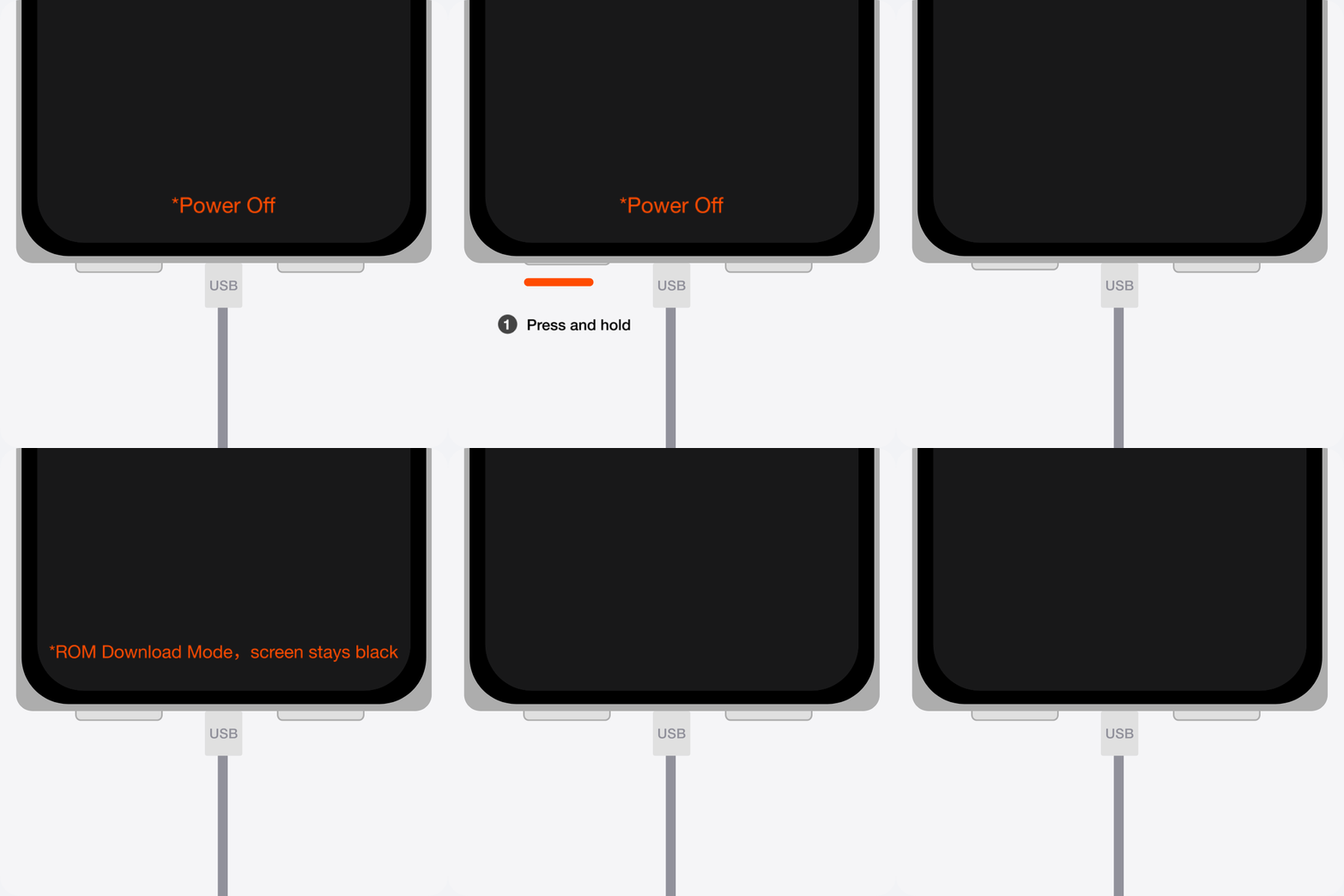
Power Off and Connect the Device
Power off the device, then connect it to your computer using a USB cable
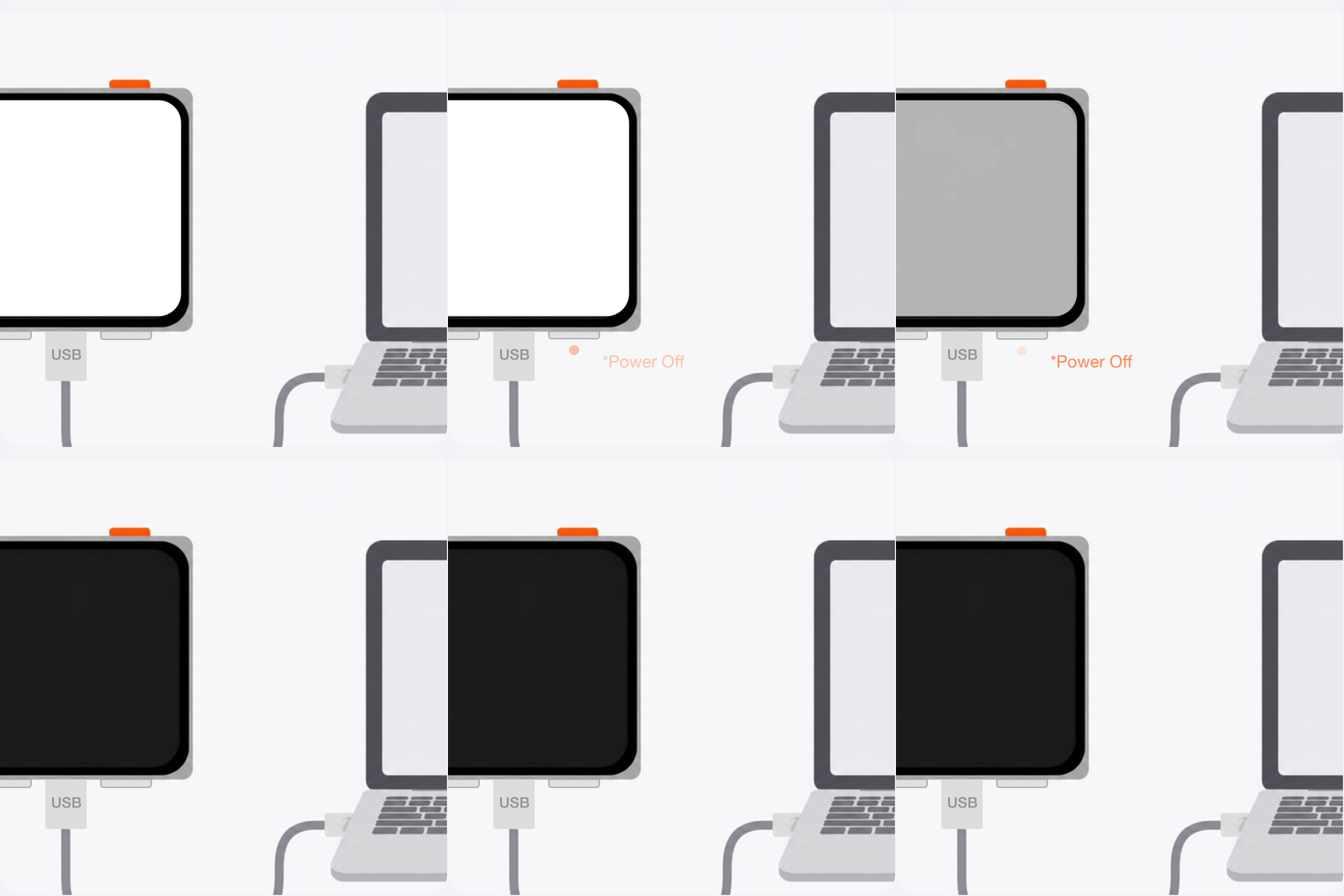


Follow the steps to connect your device and flash the official firmware.
Power off the device, then connect it to your computer using a USB cable
Power off the device. Hold BOOT, then briefly press POWER.