


Sitting Posture Guard
Current version: 1.0.0 · Requires external ToF sub‑board module (distance display shows -- when sub‑board not inserted)
A desktop assistant that uses a ToF distance sensor to guard your sitting posture and eye‑use rhythm: sitting too close lights up breathing edges and vibrates; prolonged sitting and extended eye use remind you to stand up, look into the distance, and even do a set of light punches or shoulder‑neck exercises.
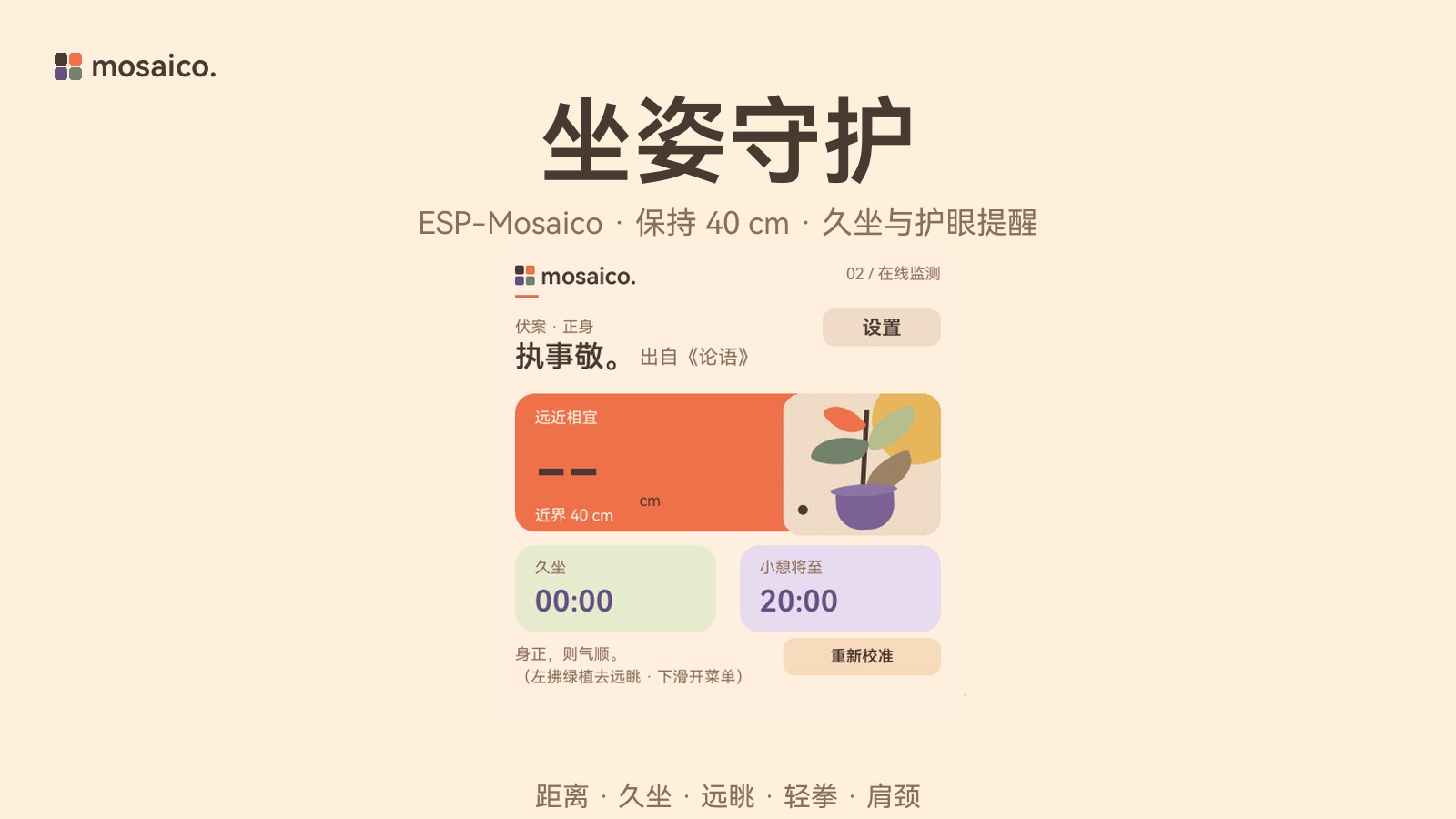
Changelog · 1.0.0
- First version: distance detection, prolonged sitting reminder, distant gaze eye care, light punch game, shoulder and neck guidance
- System menu: brightness, volume, vibration intensity, Chinese/English toggle
Interface Overview
Distance Detection
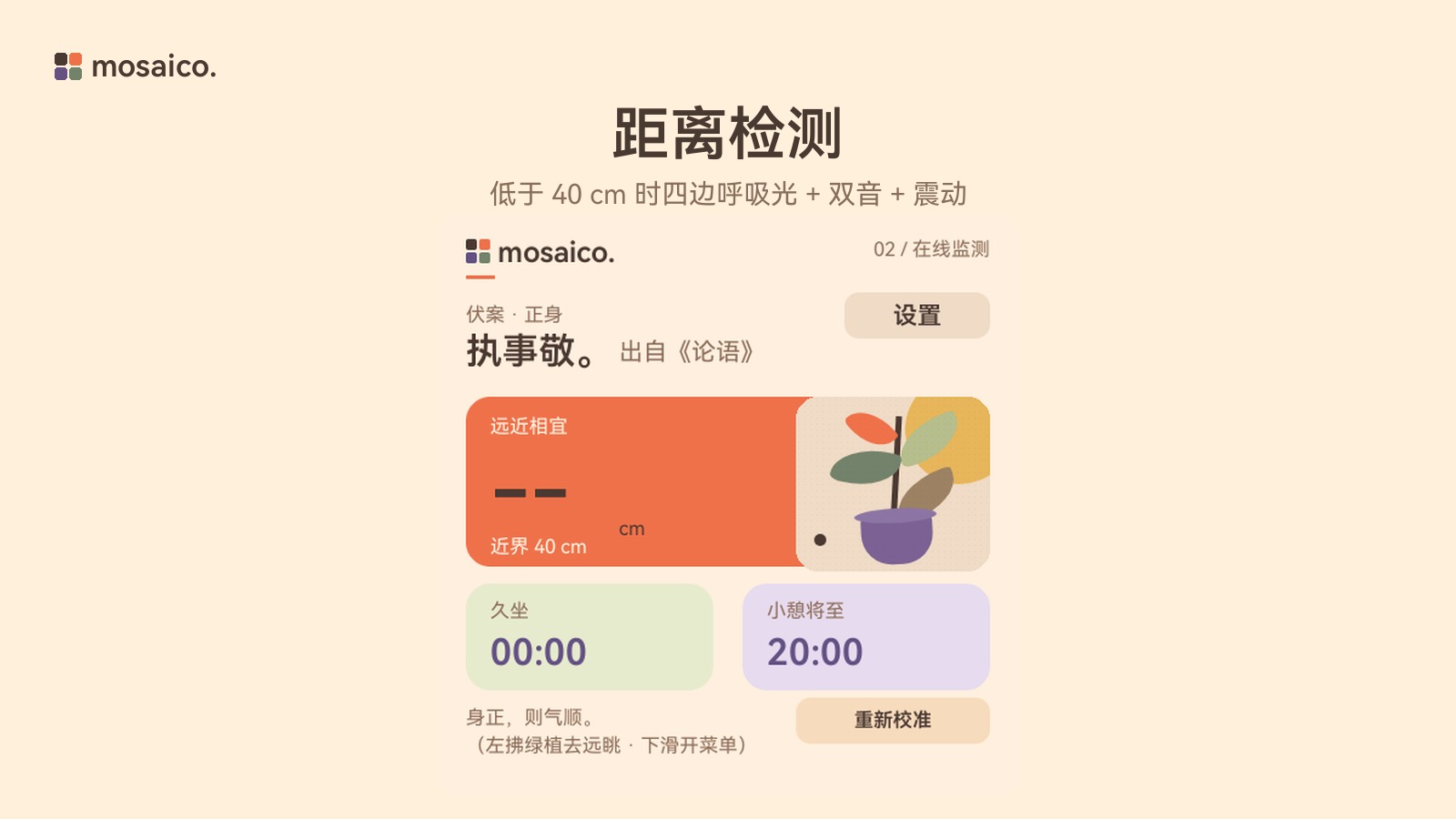
The ToF samples every 15 ms; when the distance is below 40 cm, the four edges light up with red breathing light, accompanied by a double‑tone alert and vibration; timing automatically pauses when you leave the seat.
Prolonged Sitting Reminder
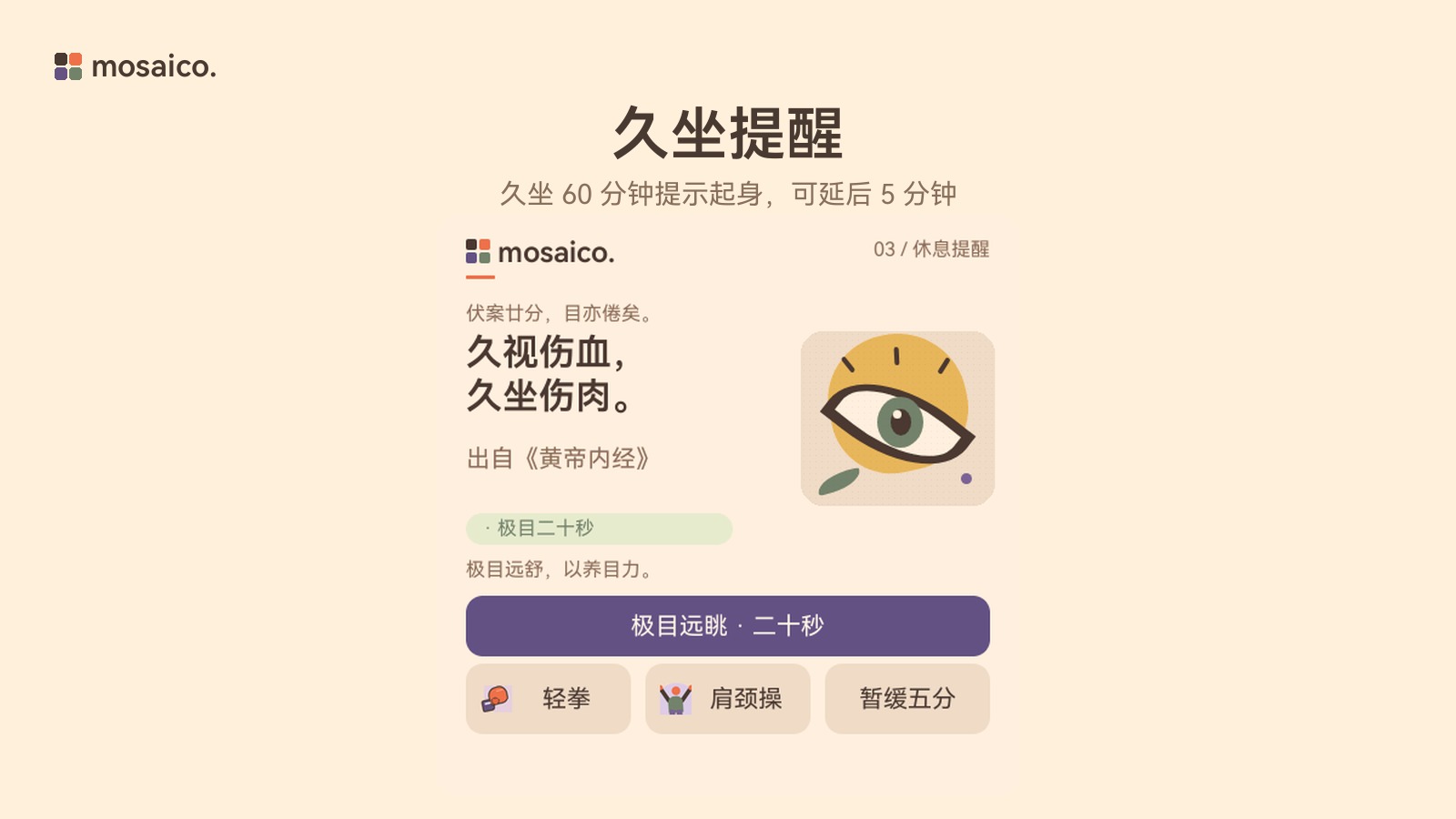
After continuously sitting for 60 minutes, a break reminder appears; you can stand up and walk slowly, or postpone it by 5 minutes.
Distant Gaze Eye Care
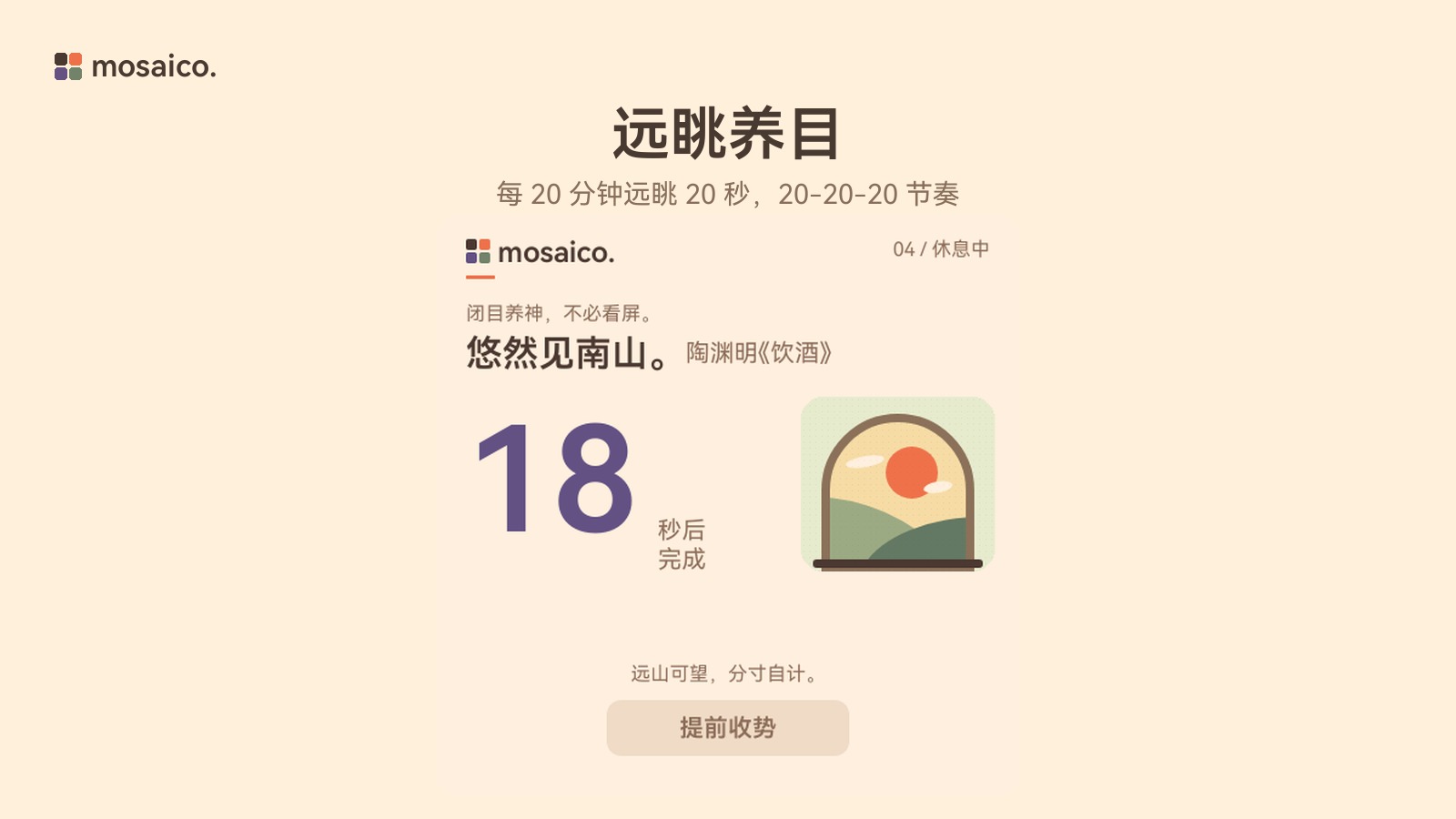
By default, every 20 minutes it prompts a 20‑second distant gaze, following the 20‑20‑20 eye‑care rhythm; when the countdown ends, it automatically returns to monitoring.
Light Punch Game
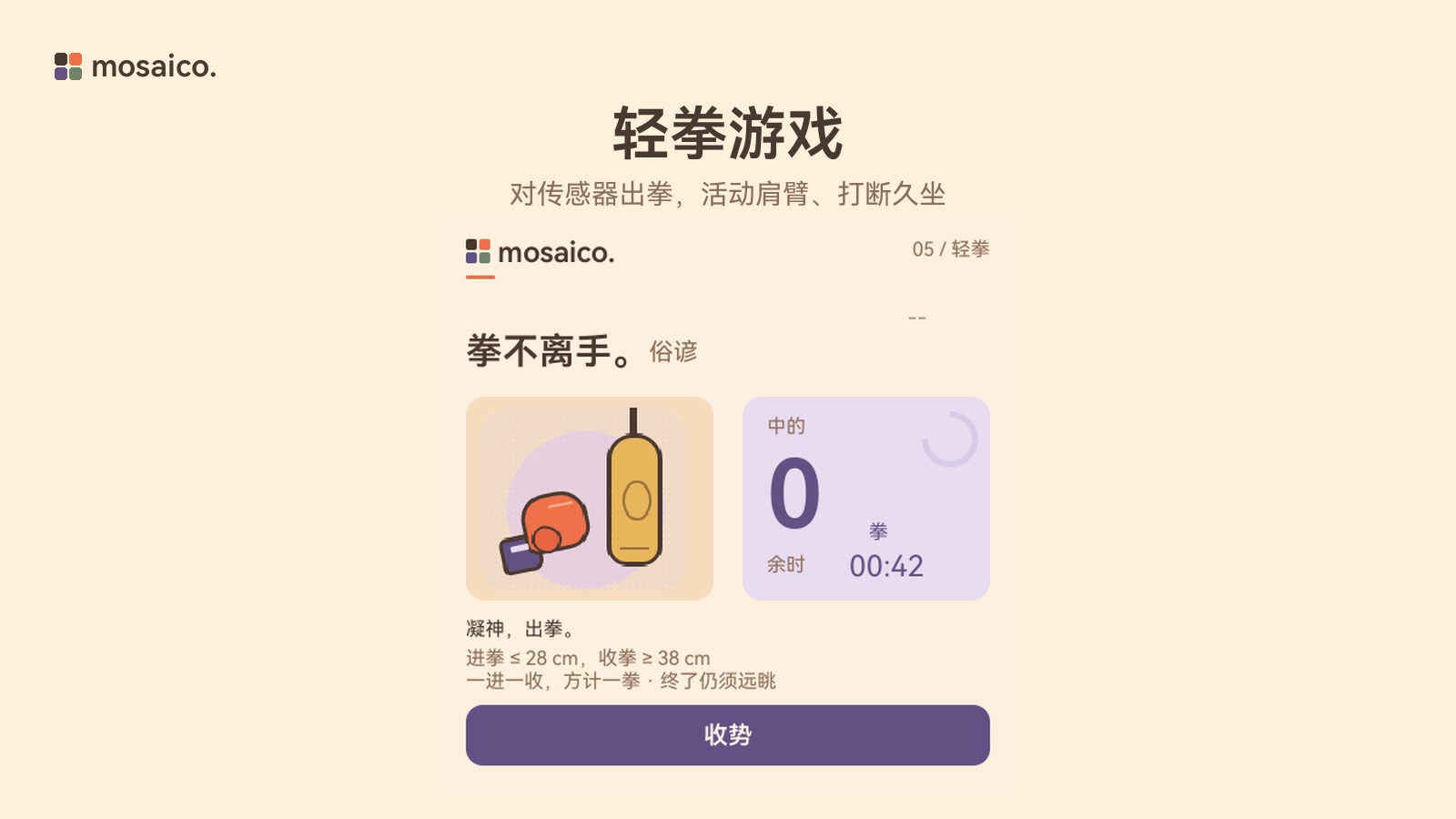
Punch toward the sensor; after a hit, retract and charge again; a set of light punches exercises the shoulders and arms, breaking up prolonged sitting.
Shoulder and Neck Guidance
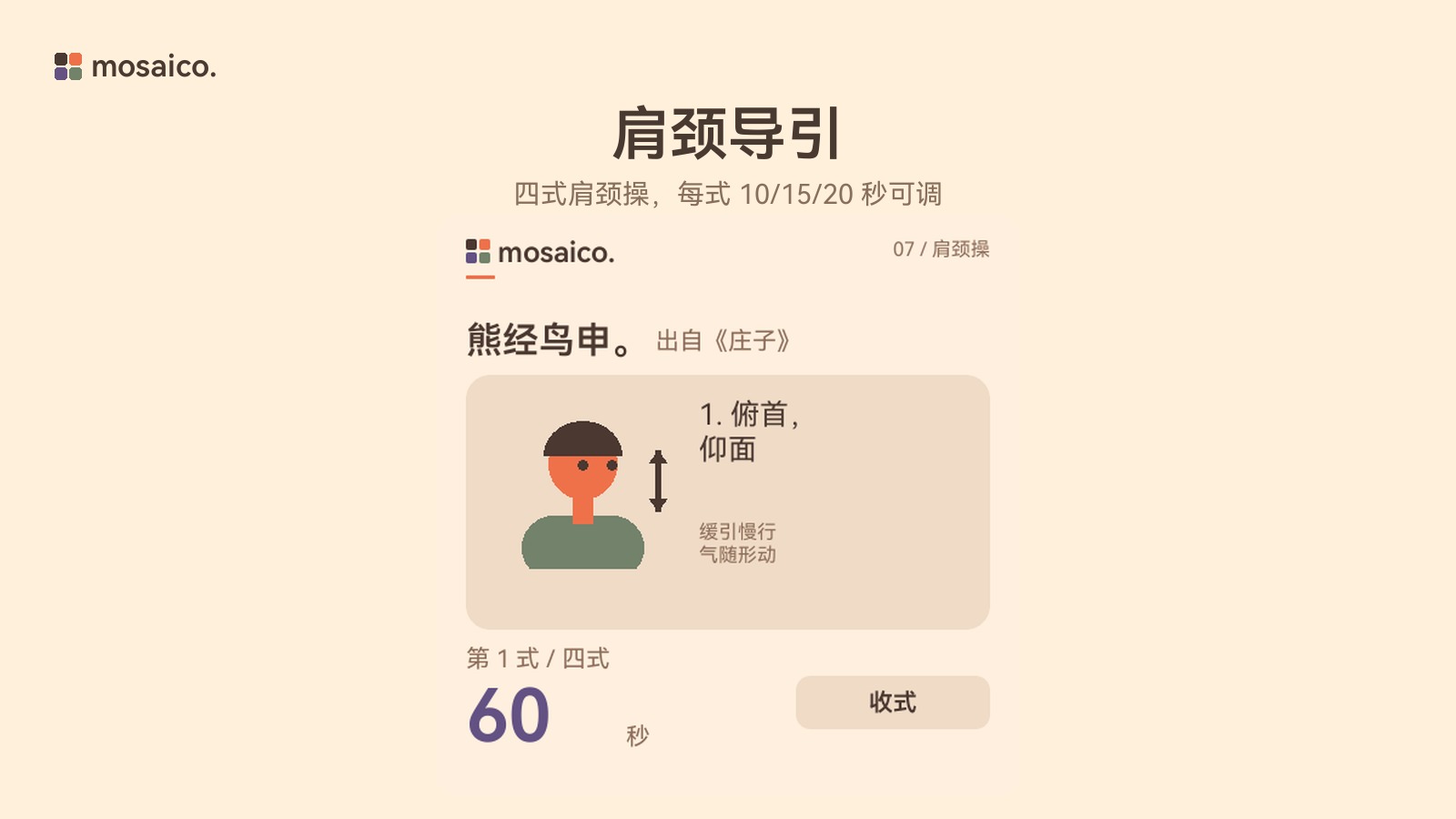
Four movements: pitch, left‑right glance, shoulder shrug, shoulder rotation; each can be set to 10/15/20 seconds, and ending early still counts as activity.
User Guide
Current Playable Features
- Initial Calibration: Sit upright for 3 seconds; the screen records the current seated posture baseline distance; if calibration fails, a retry prompt appears.
- Monitoring and Alerts: Returning to the monitoring page shows real‑time distance and prolonged‑sitting / break countdowns; falling below the near‑range threshold (default 40 cm) triggers breathing light, double‑tone alert, and vibration.
- Switch to Rest Page: Swipe left on the plant card on the monitoring page to enter the rest page; swipe right on the rest page to return to monitoring.
- Settings: Tap “Settings” on the monitoring page to adjust near‑range distance, eye‑care interval, prolonged‑sitting interval, reminder interval, and duration of each movement; changes are saved immediately to NVS.
- System Menu: Press the AI button or swipe down from the screen to open the system menu, where you can adjust brightness, volume, vibration intensity, and language (Chinese/English); press the AI button again or tap “Back” to close.
Usage Tips
- Breathing light appears only on the monitoring page when the distance is too close; it extinguishes immediately when you leave the page or open the menu.
- Prolonged‑sitting and eye‑care timers automatically pause when you leave the seat and resume when you return.
- All settings are stored in the device NVS and persist after reboot.
- When no ToF sub‑board is present, the distance display shows
--; timers, distant gaze, light punch, and shoulder‑neck exercises remain usable.
Hardware Requirements
An external ToF sub‑board module is required to use distance detection and proximity alerts; when the sub‑board is not inserted, the distance display shows --, but rest and shoulder‑neck guidance remain available.
Technical Overview
- Target hardware: ESP-Mosaico (ESP32‑S31)
- Category: Sensor / Display and HMI
- Firmware format: Iris
- License: Apache-2.0
Comments (0)